






Introduction
My biggest problem with scratching a PC gaming itch while away from home? It either means constantly unplugging dongles from my desktop, or doubling up on peripherals to partner with my gaming laptop. Many mice brands refuse to add Bluetooth, seemingly because pro players would rather save the extra gram or two that a wireless module would add. The Glorious Model O 2 Mini fills that void, and with dimensions that are perfect for travel.
The smaller version of the Model O 2 still majors on lightness, thanks to a honeycomb design and streamlined feature set – but that doesn’t mean this is a barebones offering. You still get RGB illumination, on-device DPI adjustment, and satisfyingly clicky mechanical switches. It usually retails for $99/£90, undercutting rivals like the Steelseries Aerox 3 and Corsair M75 Air. Was that the combination to earn a full-time residency among my other gaming gear?
Design & build: honey, I’m comb
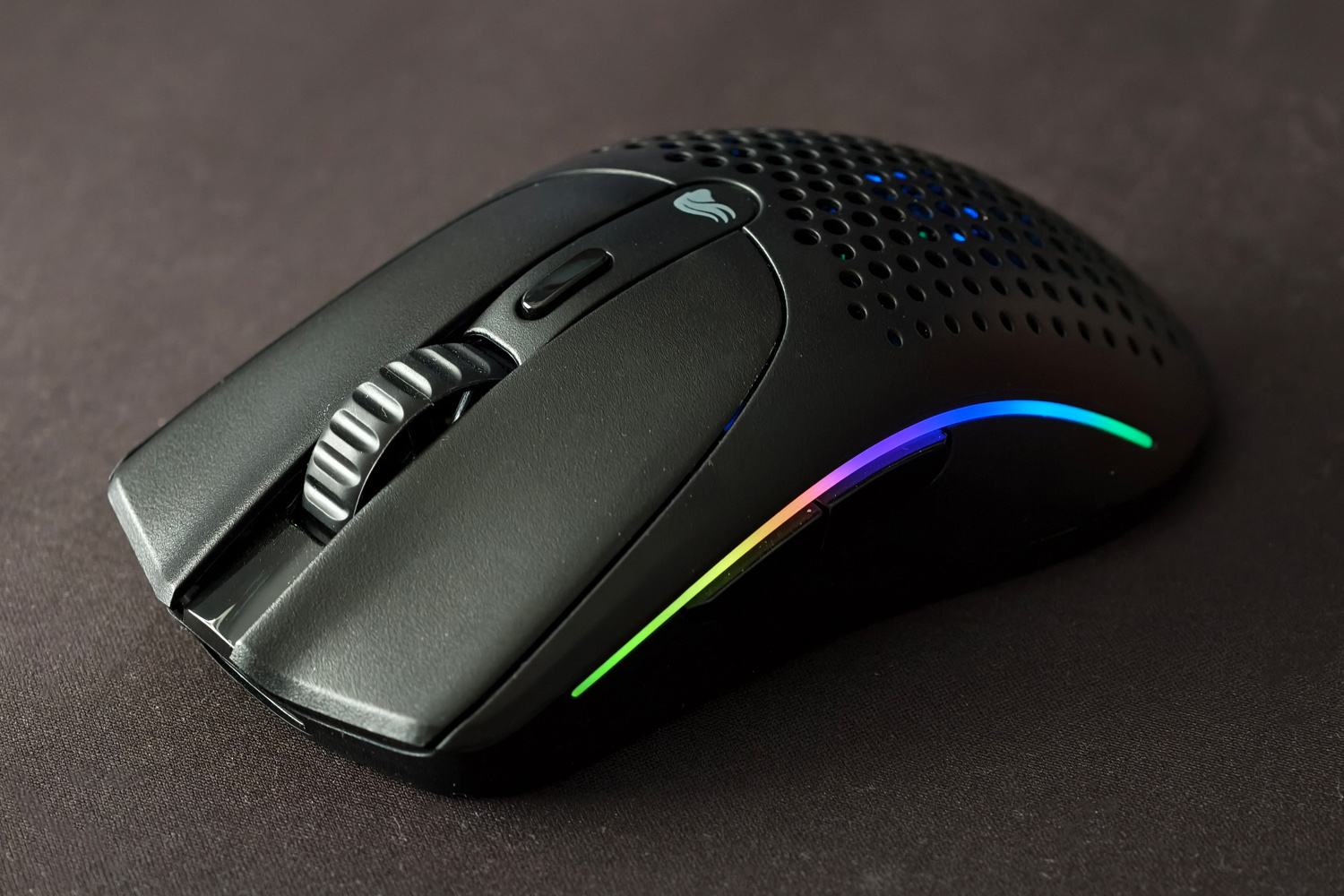
That name’s a bit of a giveaway, isn’t it? The Model O 2 Mini looks almost identical to the full-fat version, complete with honeycomb construction on the bottom and around the palm rest to keep weight to a minimum. Despite the RGB strips running down the sides, dedicated DPI switch and additional Bluetooth gubbins, this mouse weighs in at just 57g.
It’s significantly smaller than the Logitech G Pro X Superlight 2 DEX I’d been using previously, and lighter to boot. It’s not quite as diminutive as a dedicated travel mouse, but slipped into my luggage very easily indeed. Not having to bring the USB-A wireless dongle along for the ride was a win, too. With Bluetooth on board there was no need to add a cutout in the bottom of the mouse to store one.
The single set of side buttons mark this out as a right-handed mouse, but the symmetrical shape means southpaws won’t feel entirely left out. It shouldn’t matter if you favour a claw, fingertip or palm grip, though users of the latter with larger hands might find their index and middle fingers sit on the far edge of the left and right mouse buttons. Personally it didn’t bother me, but it might be just a little too small to be a daily driver for some gamers.
Branding is minimal, whether you go for the black version I was testing or the more distinctive white model. I liked that the plastic build didn’t feel overly cheap, with no noticeable creaks or flexing.
Features & battery life: lights vs longevity
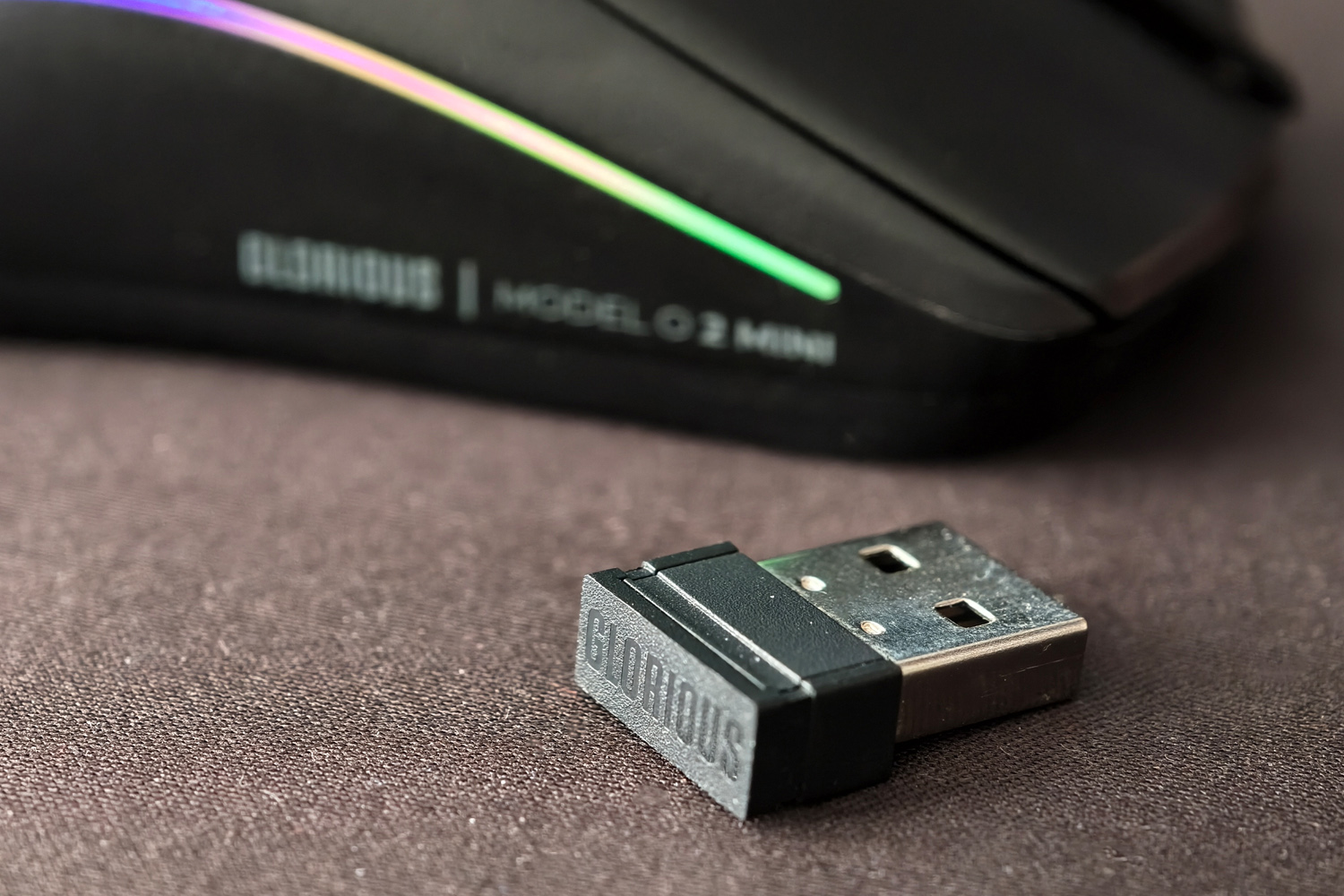
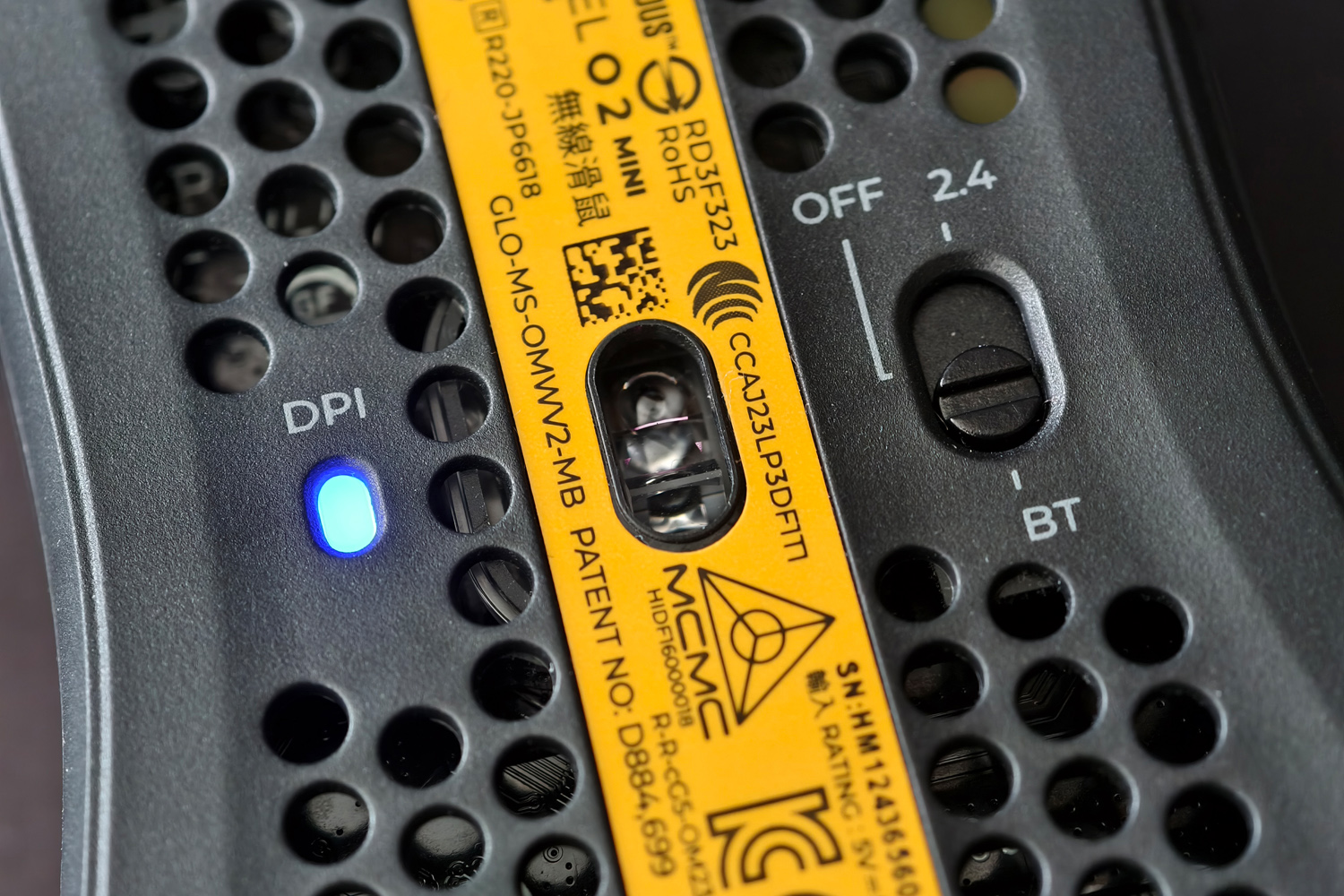
Flip the Model O 2 Mini over and you’ll spot the two-way power switch, for using the included 2.4GHz wireless dongle or Bluetooth 5.2 LE. The former worked consistently with no dropouts at my desk, and the latter let me pair with my work MacBook without having to swap anything physically between the two systems.
The DPI indicator lights up as soon as the mouse is powered on, with a series of colours showing how twitchy the BAMF optical sensor will be. It can climb up to a lightspeed 26,000 DPI, though it’ll take a little while to memorise which colour represents what setting. Still, it’s handy to have if you don’t plan on installing Glorious’s software (more on that later).
I like how the honeycomb design lets the RGB lights shine through, as well as softly illuminating the circuitry inside. The two side strips diffuse the light neatly, and there are a bunch of patterns to pick from, but you don’t have the sort of customisation found on pricier mice from other brands. The lights default to a pretty low brightness level, likely to save battery, but you can crank it up if you want your desk to shine.
Battery life in general is very impressive. Stick with 2.4GHz wireless and you’ll be approaching over 100 hours between charges, dropping depending on how bright the RGB is set at. Bluetooth can nudge a mighty 210 hours if you forego lighting altogether. Considering the heavier, lighting-free Corsair M75 Air can only do half that over Bluetooth, you really won’t have to plug the Model O 2 Mini in very often. When you do, the supplied cable has proprietary wings that help it stay connected to the mouse for wired use – but means you can’t really use it for your other tech.
Interface: optional options
If you just need the basics, there’s really no big incentive to installing the Glorious Core software. The dedicated DPI switch toggles between five different sensitivity modes, and some (admittedly complicated) button combos let you use it to control the RGB lighting too.
The app does let you set up multiple profiles, though, and gives you complete customisation over the mouse button keybindings. Sign up for a Glorious ID and you’ll also get cloud profiles, which can be handy if swapping between multiple systems.
I found the layout pretty easy to get around, and liked how it let me adjust things like sensor lift-off distance and click debounce time as well as polling rate. You expect this sort of granular control on high-end, esports-grade mice, so it’s refreshing to get it here on a more value-minded one too.
Admittedly Glorious could make it easier to adjust DPI levels, as having to remove steps in order to add a new one (rather than just edit what’s there already) is cumbersome, and I’d like control over which colour LED corresponds to each setting. But that’s a minor irritation, and only comes up if you have specific sensitivity settings in mind.
Performance
Once I’d got to grips (literally) with the size of the Model O 2 Mini, I found it to be a respectable performer in my current titles of choice. Stalker 2 and Diablo IV don’t exactly demand the pinpoint precision and reflexes of a red bull-fuelled pre-teen, though, and it’s here where I spotted a few inconsistencies.
Quick movements after a stationary period weren’t as responsive as I’d like, and a testing tool suggests click latency increases here too. That there’s not perfect consistency over 2.4GHz will be a downer for dedicated multiplayer gamers, particular CS2 or Valorant players (who’ll regularly go from static angle-holding to rapid motion as enemies appear).
That said, we’re talking milliseconds of difference. There wasn’t a point where I felt the mouse had made me miss a shot in single-player games, and I got through a few rounds of Black Ops 6with no noticeable drop in my (pitifully average) K/D ratio. I liked the clickiness of the mechanical switches, and the four PTFE feet glide well.
Glorious Model O 2 Mini verdict
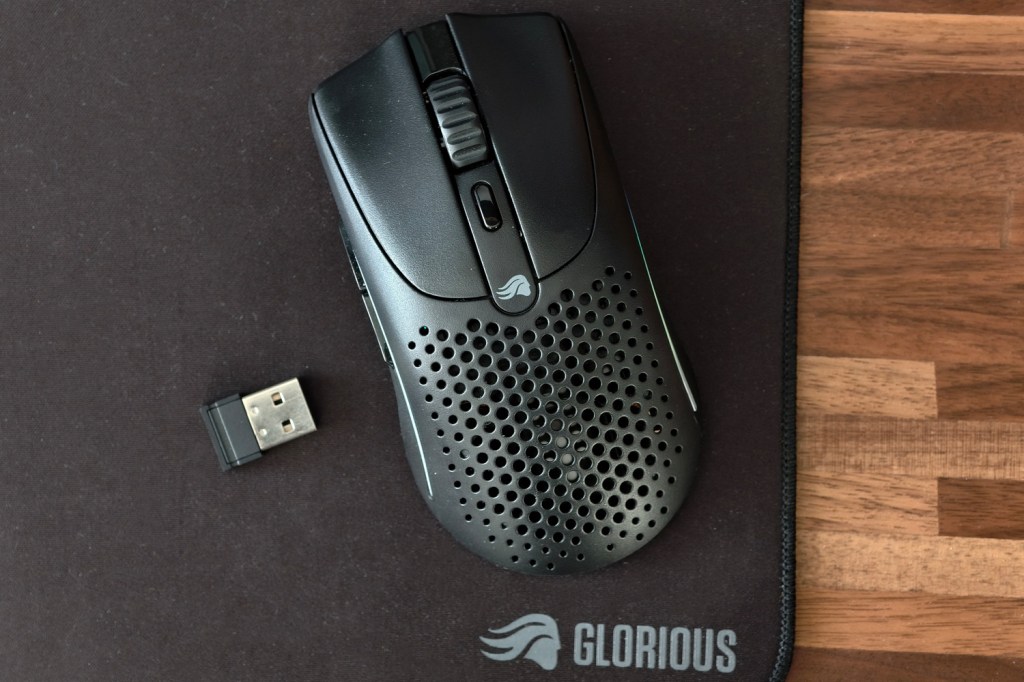
It’s lightweight, long-lasting, and doesn’t need a dongle to stay connected when away from your main gaming setup. That makes the Model O 2 Mini a great choice for on-the-go players, as well as a travel companion that’ll save you from swiping a laptop touchpad all day. That it also looks the part at home, thanks to that honeycomb structure and RGB lighting, makes it a bit of a double threat.
You don’t get the polling or tracking consistency of pricier rivals, though, which could put off the most serious multiplayer gamers. I found on the cusp size-wise, too; those with larger hands will need to step up to a larger mouse. You’ll most likely have to spend more in the process, though. Glorious remains on the right side of affordable, so will be worth a look if you’re not drawing a salary from competitive play.
Glorious Model O 2 Mini technical specifications
| Mouse style | Wireless |
| Buttons | six |
| Connectivity | 2.4GHz wireless (USB-A dongle), Bluetooth, USB-C |
| Battery life | Up to 210 hours |
| Dimensions | 120x62x36mm, 57g |


